
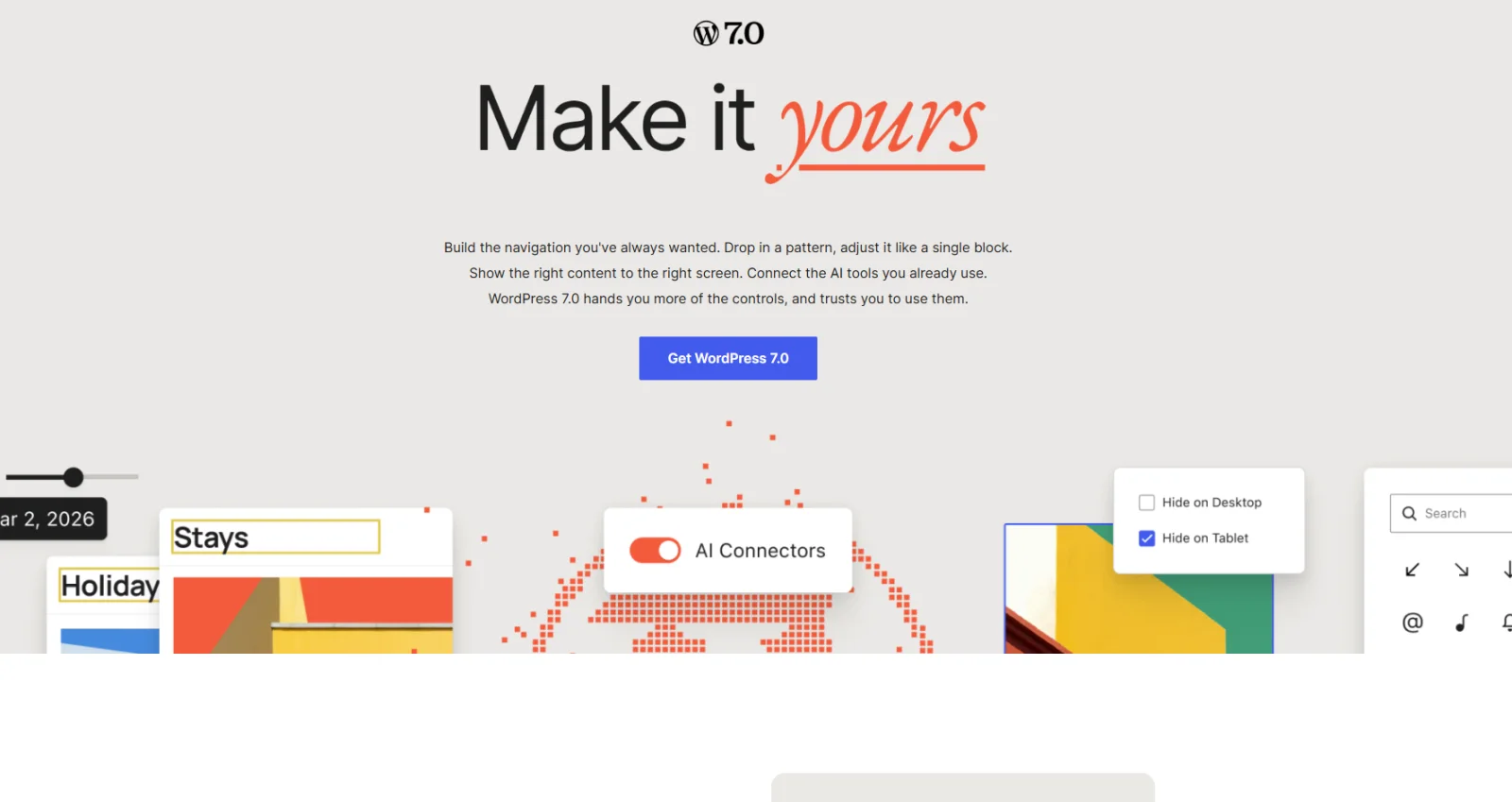
WordPress 7.0 introduces a broad set of improvements aimed at making website management faster and more intelligent. The release focuses on modern editing tools, performance, accessibility and workflows that reduce the amount of technical work required for everyday content updates.
Security before new features
Major WordPress updates should never be installed blindly on a live production site. Create a current backup, verify PHP and plugin compatibility, test important forms and e-commerce functions and, where possible, use a staging environment before updating the live website.
What changes for website owners?
The new version continues the shift toward a more capable block editor and more centralized site management. Improvements to editing, responsive behaviour and administrative workflows can reduce the need for small developer interventions, while new AI-related capabilities and integrations are becoming more visible in the WordPress ecosystem.
Should you update immediately?
For a business website, stability matters more than being first. Wait until critical plugins and the active theme confirm compatibility, make a backup, test the update and then deploy it in a controlled way. A maintained WordPress site should still be kept current because outdated core, plugins and themes are among the most common sources of security problems.
Need help with your website or online store?
Describe your situation briefly and we will prepare a clear quote.
Request a quote